Cleanup safety tips: What not to pick up and what to do instead
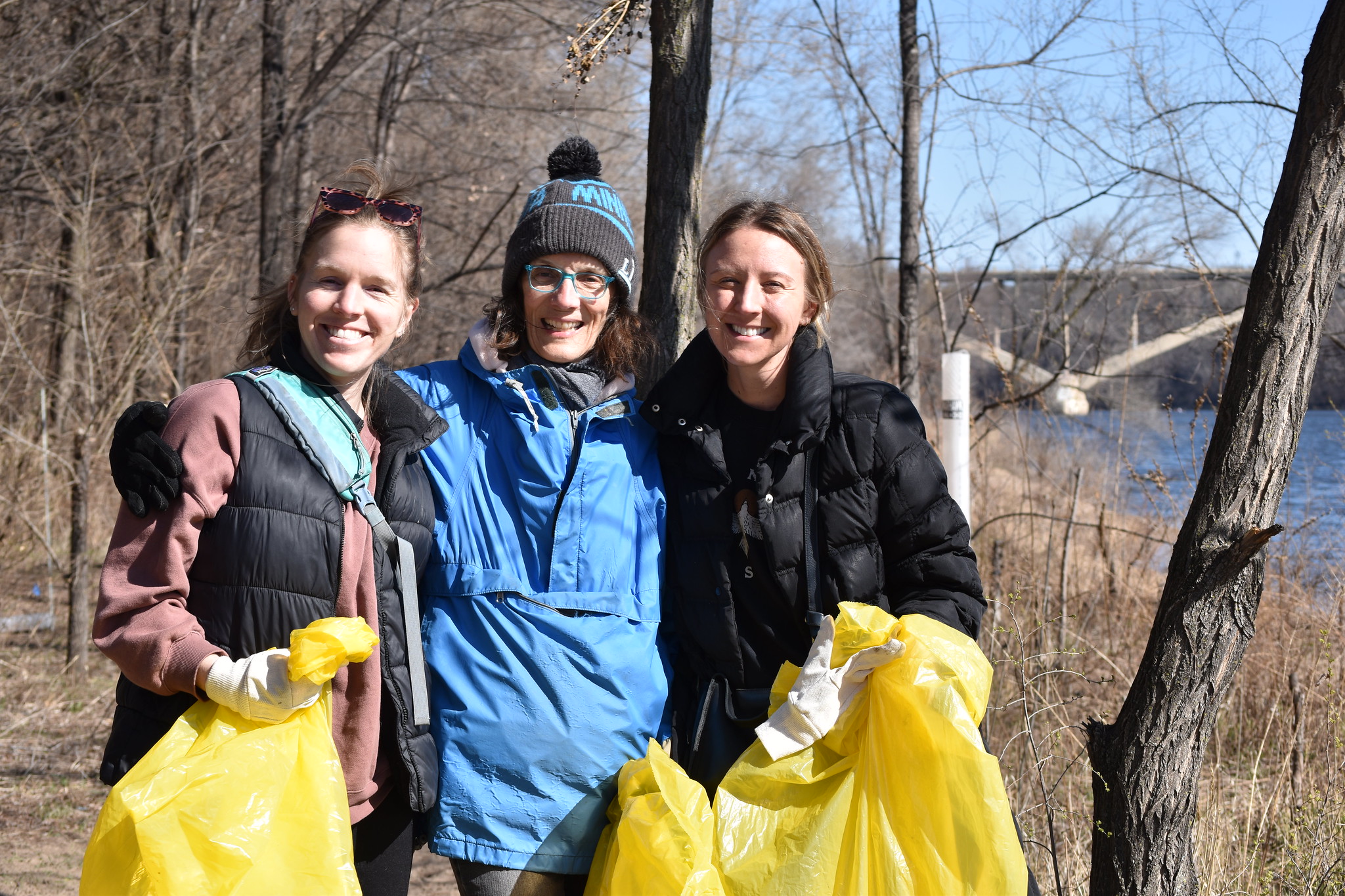
While it would be wonderful to rid the Mississippi River of all its litter, some items are best left behind.
We ask even the most eager, determined volunteers to consider their own safety and the safety of other volunteers, FMR staff and city workers as top priority.
What not to pick up
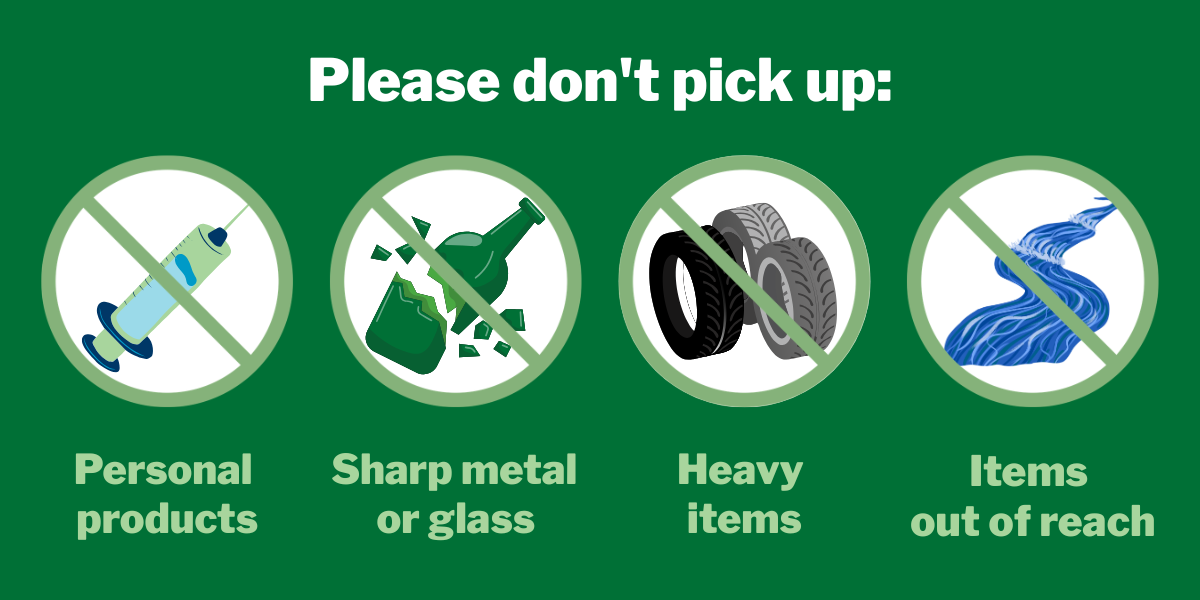
Personal hygiene products, including needles
If you encounter personal hygiene items — such as condoms, tampons and needles/syringes — use extreme caution and do not touch or pick them up, even with gloves. Placing items such as needles/syringes in trash bags puts volunteers and city workers who collect trash bags at risk.
Though FMR provides gloves, we advise you not to pick up potential biohazards. Instead, please report the location of these items. Scroll down for more information on how to record and share the location with city or park authorities.
Sharp or jagged objects, like glass or metal
Objects of sharp metal and/or with rusty edges can be dangerous. Picking up broken glass, even with gloves, is still extremely risky. If a piece of litter looks as though it may be sharp, we ask that you leave it where it is and report the item location. Scroll down for more information on how to record and share the location with city or park authorities.
Heavy or large items
Please don't attempt to lift or dislodge any items that are heavier than you're comfortable with. One good example of something you should leave where you find it is tires. Moving a tire up from the bottom of a steep slope like those in the Mississippi River Gorge can actually be dangerous. It's safer to allow authorities to remove tires from the water using barges or other watercraft.
If you find yourself straining to lift an item, you can ask someone for help or notify the city or the local park board, who will take care of it. Scroll down for more information on how to record and share the location with city or park authorities.
Items out of easy reach
Currents and temperatures in the Mississippi River can be dangerous if you're not cautious. Don't attempt to retrieve any items of litter floating in the river that you can't reach easily from the shore.
How to share locations of hazardous or large materials with city parks staff
Option 1: Pin the object's location on Google Maps or Apple Maps and share
To pin a location using Google Maps on mobile devices:
- Open the Google Maps app.
- Find where you are on the map by looking for the blue dot indicating your location.
- Tap and hold on the map at the spot where you want to place a pin.
- A pin will appear and an information card will pop up at the bottom of the screen.
- Scroll to the right to access the "Share" option for the pinned location.
- Click "Share," then "Copy link" or "Share this place."
- Email the link to environment@ci.stpaul.mn.us in St. Paul or info@minneapolisparks.org in Minneapolis to notify them about the hazardous object. Let city parks staff know what the object is and the date you found it. Please contact the appropriate city park authorities in parks outside Minneapolis and St. Paul.
To pin a location using Apple Maps on mobile devices:
- Open the Apple Maps app.
- Find where you are on the map by looking for the blue dot indicating your location.
- Tap and hold on the map at the spot where you want to place a pin.
- An information card will pop up at the bottom of the screen labeled as "Marked Location."
- Click the share icon to create a shareable link to the pinned location.
- Email the link to environment@ci.stpaul.mn.us in St. Paul or info@minneapolisparks.org in Minneapolis to notify them about the hazardous object. Let city parks staff know what the object is and the date you found it. Please contact the appropriate city park authorities in parks outside Minneapolis and St. Paul.
Option 2: Share a photo with location services enabled
For iPhones:
- Open your phone's Settings.
- Scroll down to Privacy & Security.
- Click on Location Services and make sure that Location Services are toggled on.
- Scroll down to Camera. Select "While Using the App" or "Ask Next Time Or When I Share."
- Your location data will now be saved with any photos you take while Location Services are on.
- Take a photo of the hazardous object, then email it to environment@ci.stpaul.mn.us in St. Paul or info@minneapolisparks.org in Minneapolis. Let city parks staff know what the object is and the date you found it. Please notify the appropriate park authorities for cities outside Minneapolis and St. Paul.
- Turn off Location Services for your camera after sending the photo if desired.
For Android:
- Open your phone's Settings.
- Navigate to Location Services or Location.
- Turn on Location Services.
- Open your Camera app.
- Tap the Settings icon (often a gear or three dots within the Camera app).
- Find the option for "Save Location" or "Location Tags" and toggle it on.
- Your location data will now be saved to photos you take while location tagging is enabled.
- Take a photo of the hazardous object, then email it to environment@ci.stpaul.mn.us in St. Paul or info@minneapolisparks.org in Minneapolis. Let city parks staff know what the object is and the date you found it. Please notify the appropriate park authorities for cities outside Minneapolis and St. Paul.
- Turn off Location Services for your camera after sending the photo if desired.
Thanks for staying safe
Thank you for keeping yourself, volunteers, FMR staff and city workers safe while stewarding the river. If you have any questions, please email volunteer@fmr.org.